


MagicDelay
Spectral Delay with Feedback
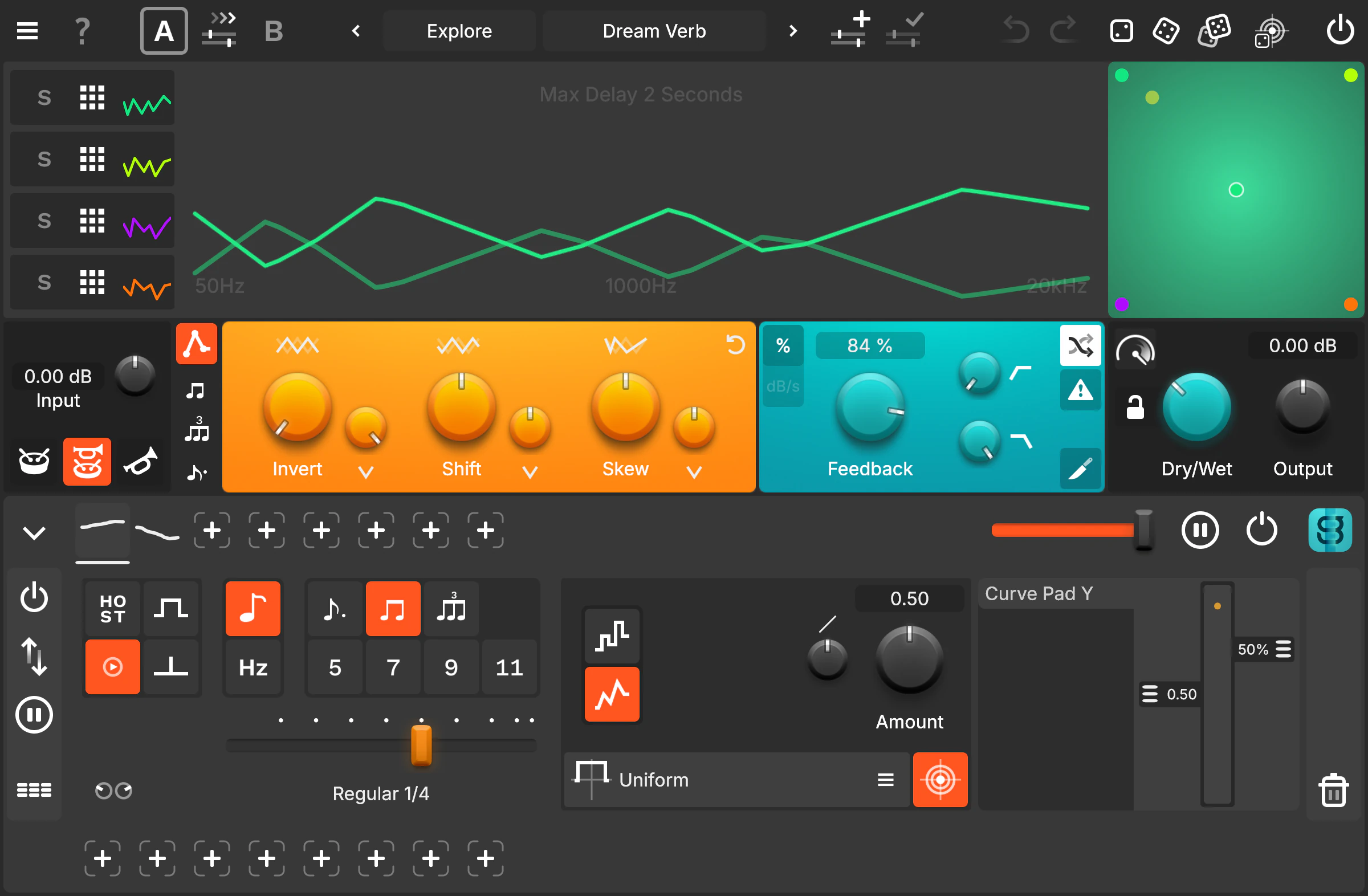
Do we need yet another Delay? Of course! We need thousands of delays working in parallel with full spectral control.

Hear it in Action
Adjust Dry/Wet · Add modulation with +


Watch it in Action
One Curve. Infinite Delays.
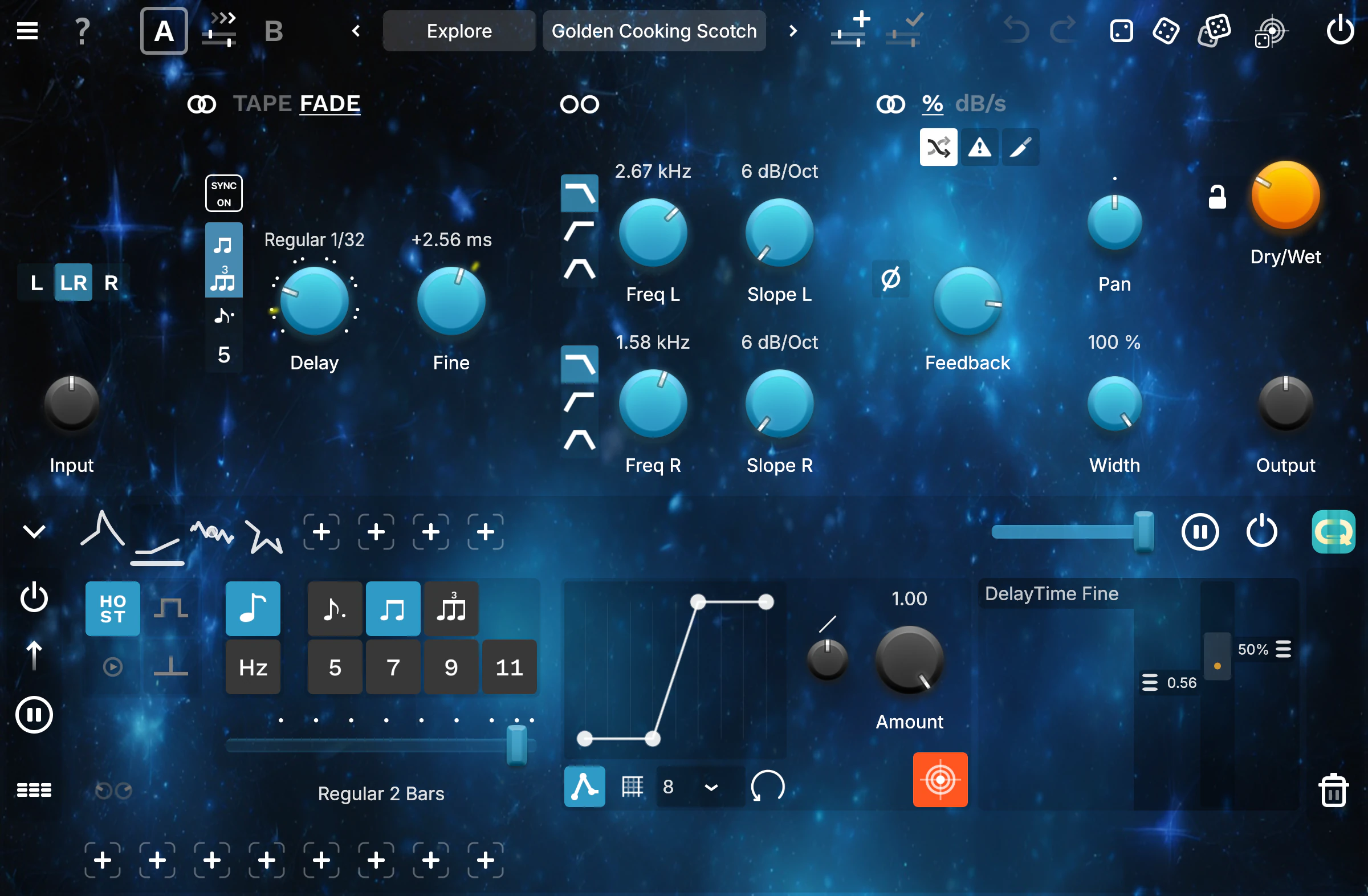
MagicDelay lets you control thousands of spectral delays with a single, elegant curve. Apply BPM-type grids to lock your shapes perfectly to the tempo, or let them flow freely for more experimental motion. With the powerful Curve Modifier, you can modulate, morph, and reshape your delay patterns in real time — turning one curve into endless rhythmic and spectral variations.
Thoughtful Feedback control
Control your delay tails using either traditional feedback in percent or our unique dB-per-second decay system — created specifically to manage the feedback of many varying delay times at once.
Using dB/s ensures predictable, consistent tail lengths across the entire spectrum, even in the most complex settings.
Sculpt the Spectrum
Refine your delays with built-in highpass and lowpass filters, adding warmth, clarity, or sparkle exactly where needed.
Activate Crossfeed to expand your stereo image and create immersive, wide-angle motion.
And when things get wild, use Kill to instantly mute and clear the delay line — total control at any moment.
Beyond 100%
Need more? Push into new sonic territory with Feedback Over, allowing feedback values beyond the traditional 100% limit. From endless atmospheric swells to self-oscillating spectral chaos, MagicDelay gives you room to explore — and break — the rules.
A New Dimension of Delay
Whether you’re a musician, sound designer, or producer, MagicDelay is a spectral playground built for discovery. Its multi-curve design, deep modulation system, and flexible feedback architecture make it a truly expressive tool for shaping delays far beyond the ordinary.
Parameters & Features
- Delay time controlled by Curve
- Sync Delay time curve to BPM
- 3 Algorithms: Percussive, Mixed, Tonal
- FeedbackType: dB/s or %
- Feedback Amount
- Lowpass and Highpass Filter
- Crossfeed
- Feedback Kill
- Feedback Over: More than 100% Feedback Amount
- DryWet
Specs
- Artist Presets by: CID RIM, Cristian Vogel, DataBroth, Zanshin
- Release Date: March 2022
- Current Version: 2026.4
- Last updated: June 2026
- System Requirements:
OS X 10.13+
Windows 10+
iOS 12+ - Desktop Licensing: Perpetual Activation Key
- iOS Licensing: App Store
- Platforms: macOS, Windows, iOS



- Formats: AU, VST3, AAX, AUv3 (iOS)

- Validation: Verified by Pluginval
 All tests passed at Level 10✓
Modulation Built-In
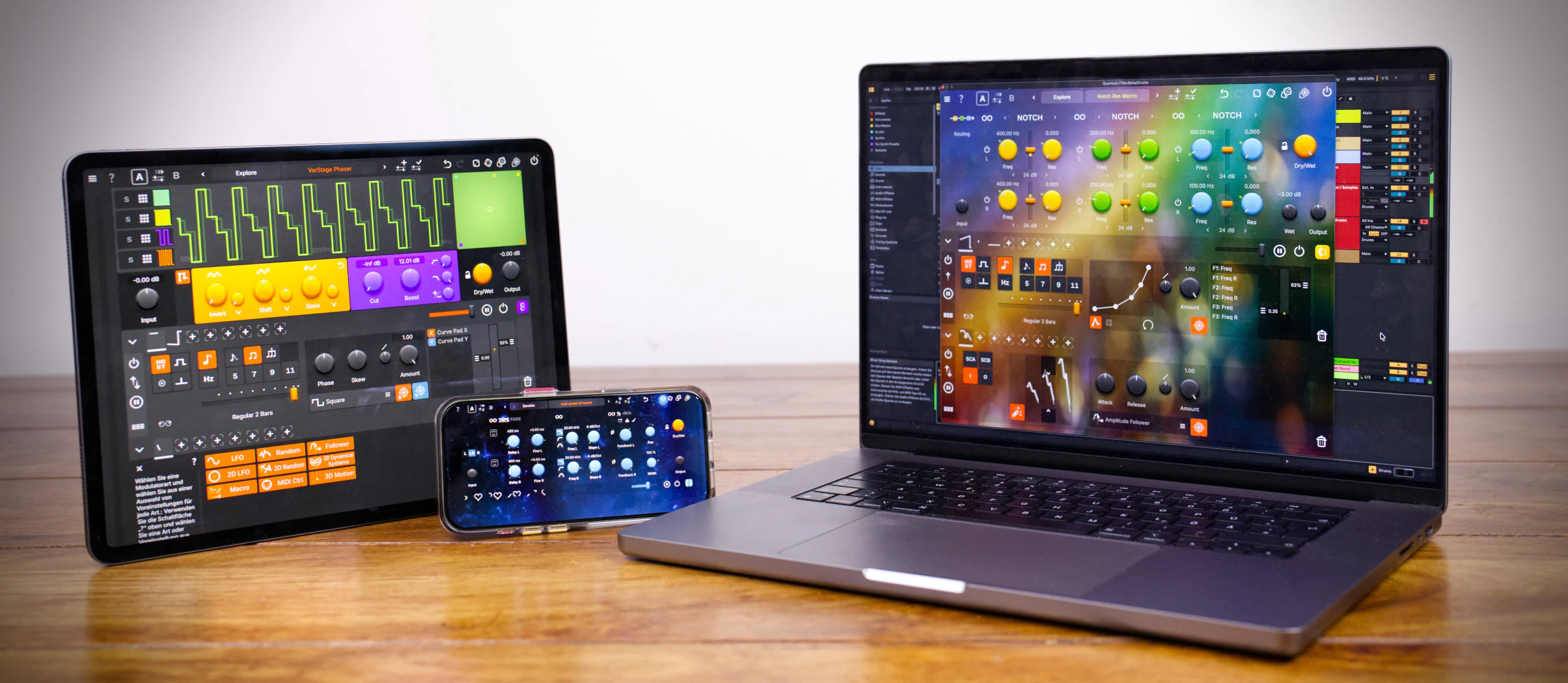
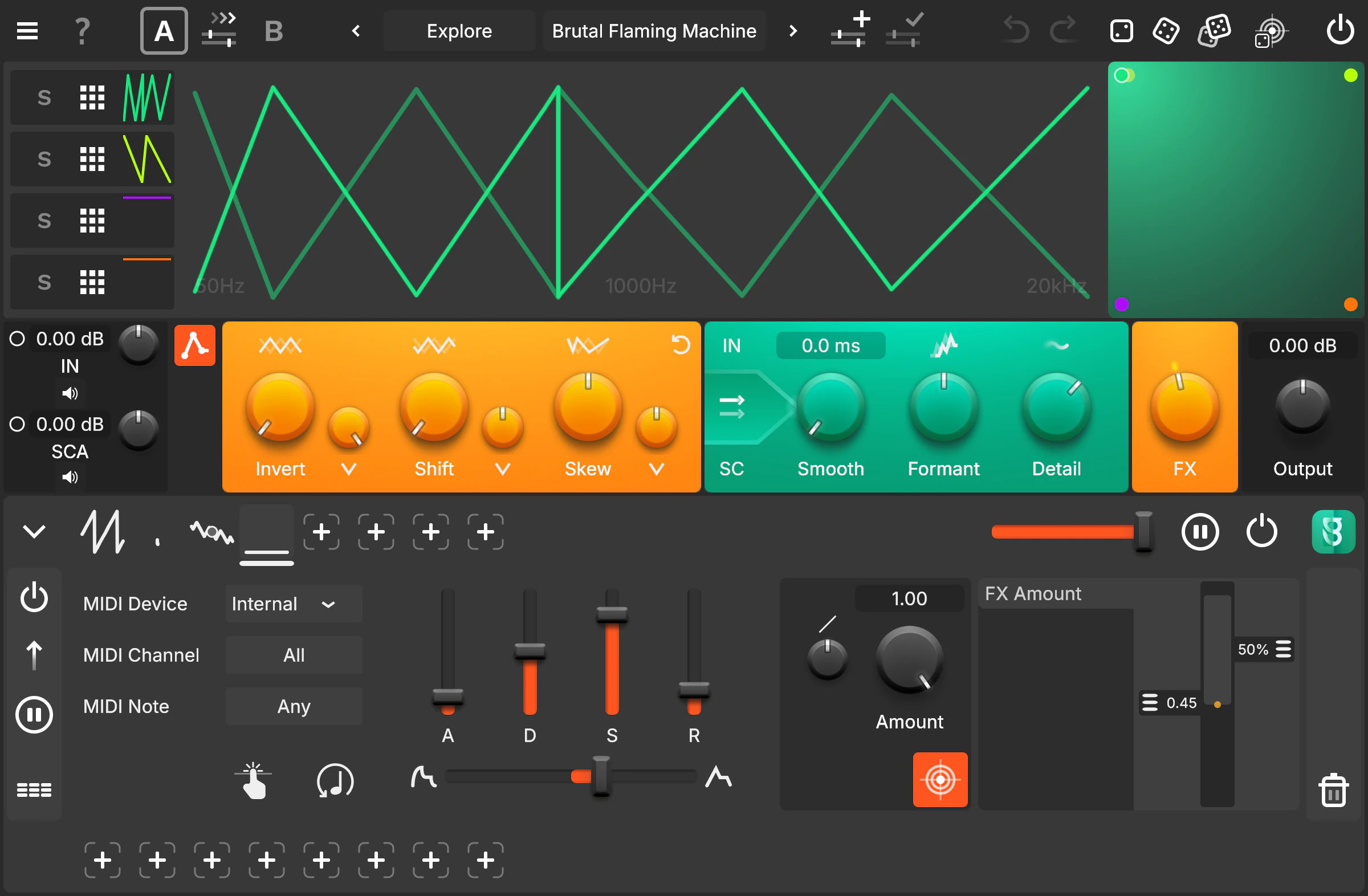
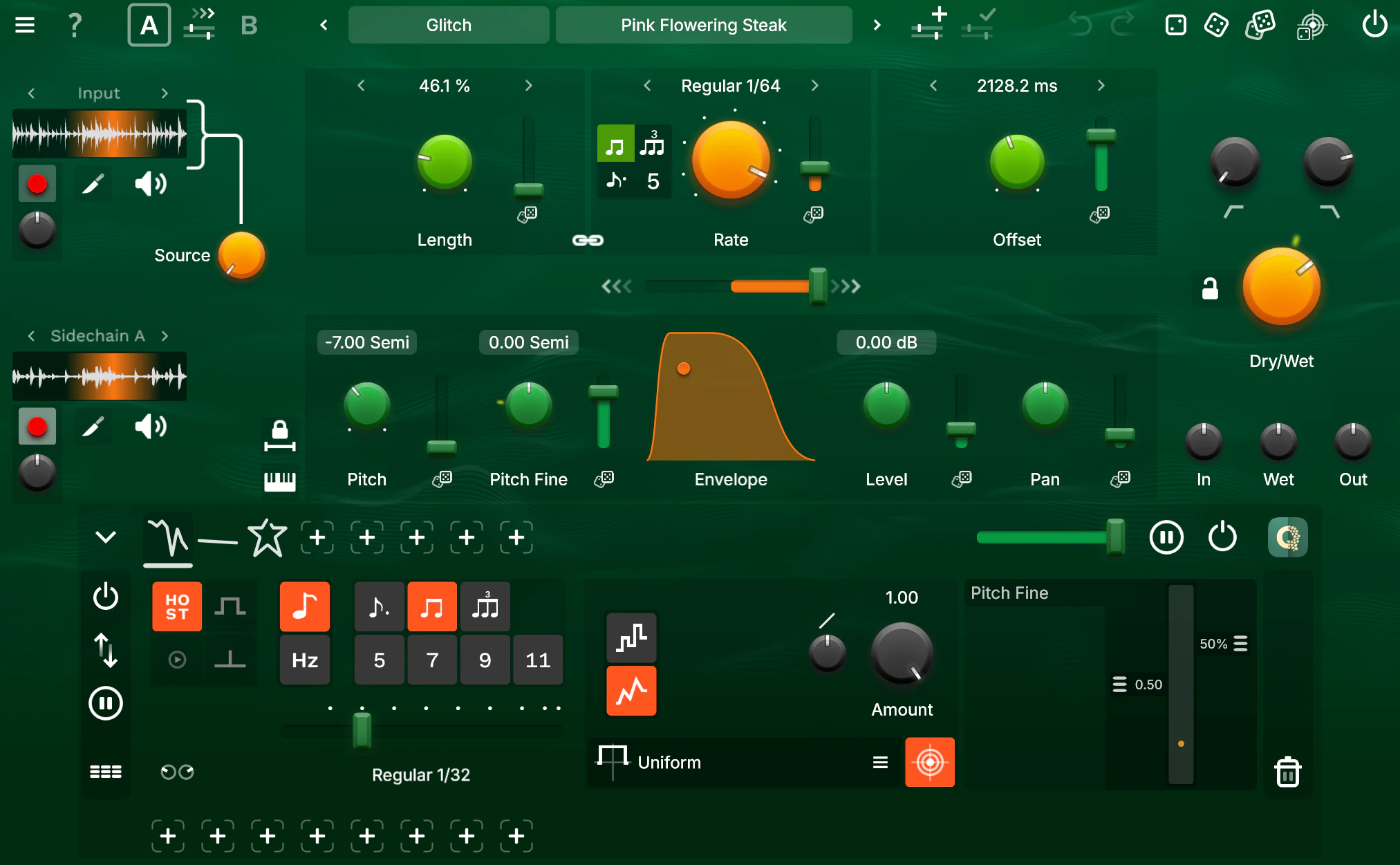
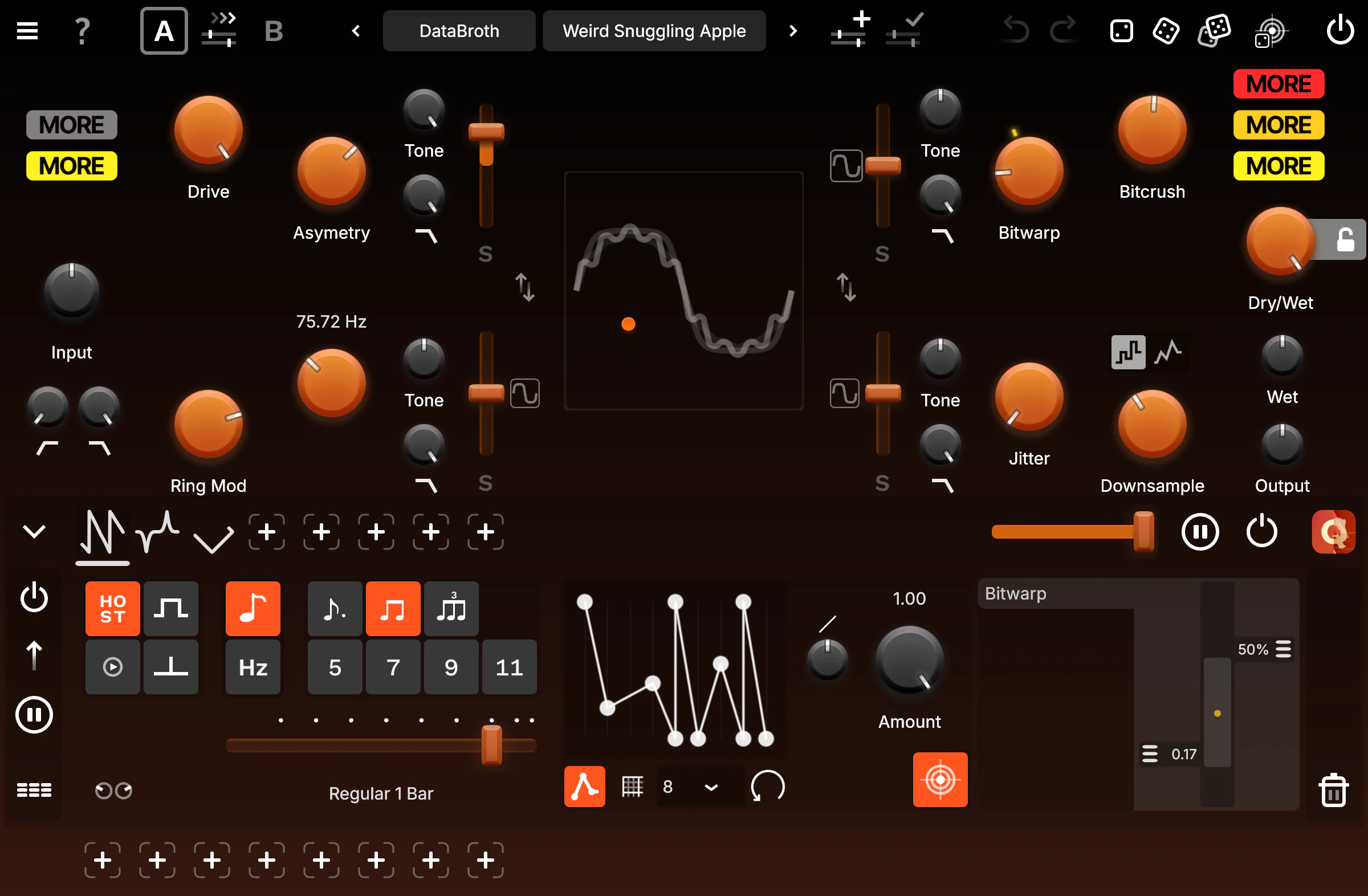
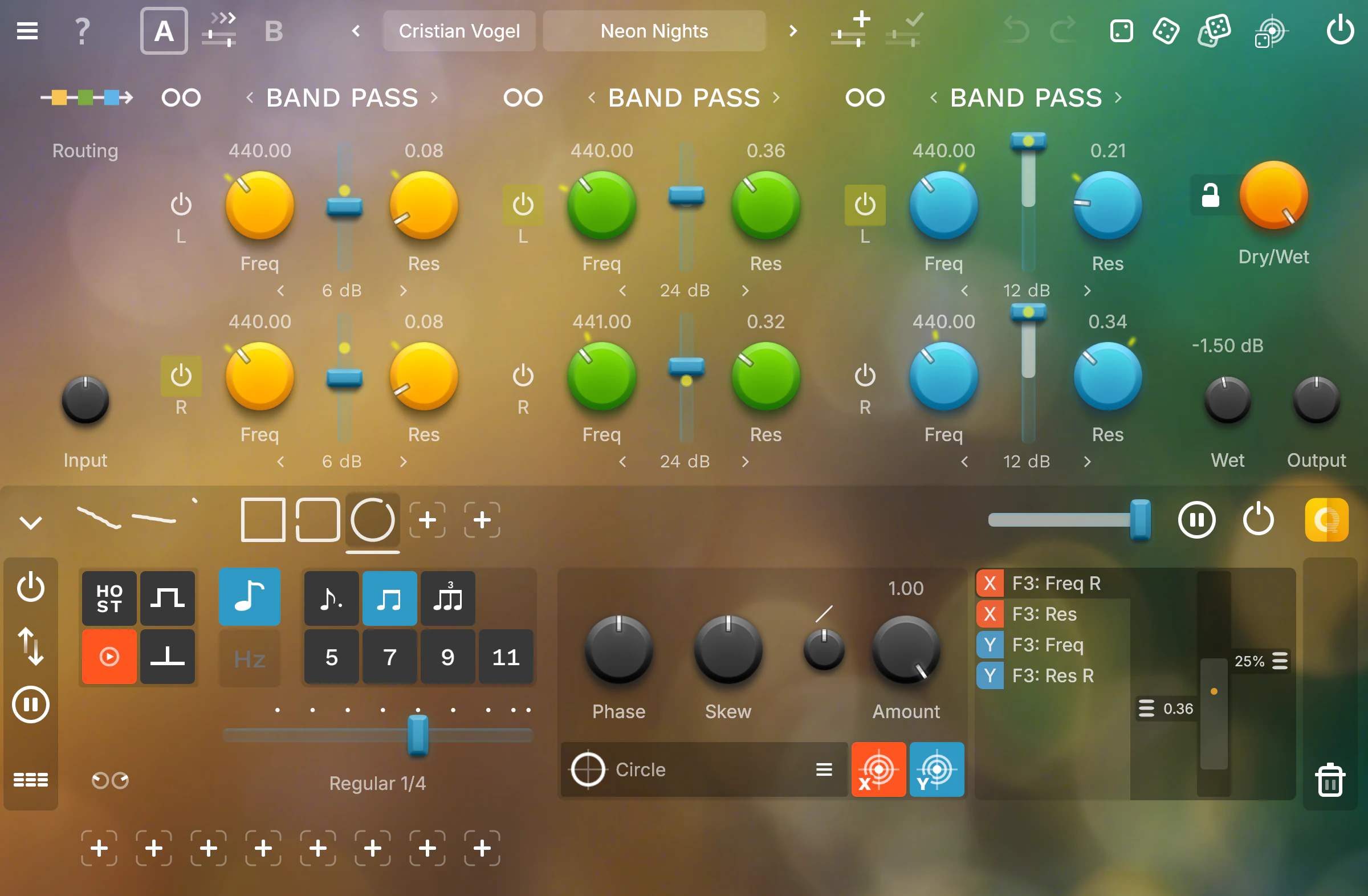
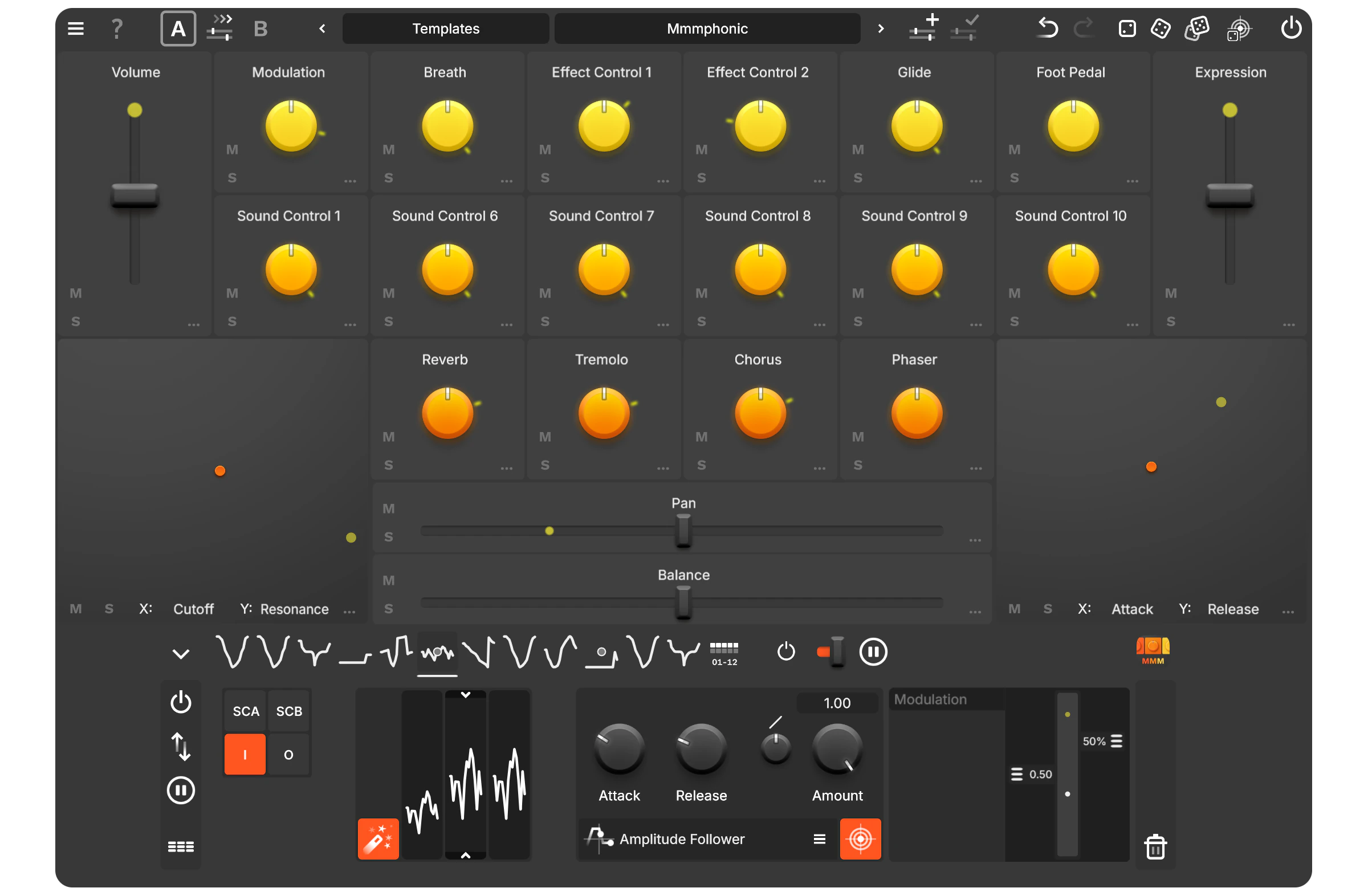
Our modulation system lets you modulate any parameter with ease and precision, including individual depth control per parameter. Each modulator offers skew, sample & hold, and uni-/bipolar modes.
Choose from LFOs, Random Generators, custom-drawn LFOs, and a full suite of followers — from Amp and Pitch to advanced Spectral Followers like Brightness. Need more dimensions? Explore 2D modulators such as 2D LFO, 2D Random, Strange Attractors, and the Double Pendulum for truly chaotic motion. On iOS, 3D Motion lets you control parameters via the device’s gyroscope and accelerometer.
And if that’s not enough, you can dive into the world of Cross Modulation by expanding the system even further — using modulators to modulate the parameters of other modulators. Sounds complicated? It’s not! The concept is simple, but the possibilities are endless!
All Modulators

LFO
-
Sine
 Cosine
 Triangle
 Square
 Saw
Saw Ramp
Ramp Spike
Spike Round
Round Custom LFO
-
Pulse Train

Random
 Uniform
 Normal
 Random Walk
 Random Oscillator
 Random Switch

Follower
-
Amp
-
Pitch
-
Spectral Brightness
-
Spectral Centroid
-
Spectral Flatness
-
Spectral Flux
-
Zero Crossing

2D LFO
-
Circle
 Square
 Squircle
 Ellipse
 Diamond
 Astroid
 Corner Jump
 Eight
Eight Heart
Heart Star
Star g
g

2D Random
-
Uniform
-
Normal
-
Random Walk
 Random Circle

2D Dynamical Systems
-
Lorenz Attractor
 Double Pendulum
 Double Spiral
 Chaotic Drop

Macro
 Macro
Macro 2D Macro
-
Macro Switch

MIDI Ctrl
 ADSR
ADSR-
AR
-
MIDI CC
-
MIDI Note
-
Pitchbend
-
Velocity
-
Pedal
-
Aftertouch

Camera
 Brightness
 Change

3D Motion
-
Acceleration
-
Orientation
-
Rotation
Curve Editor
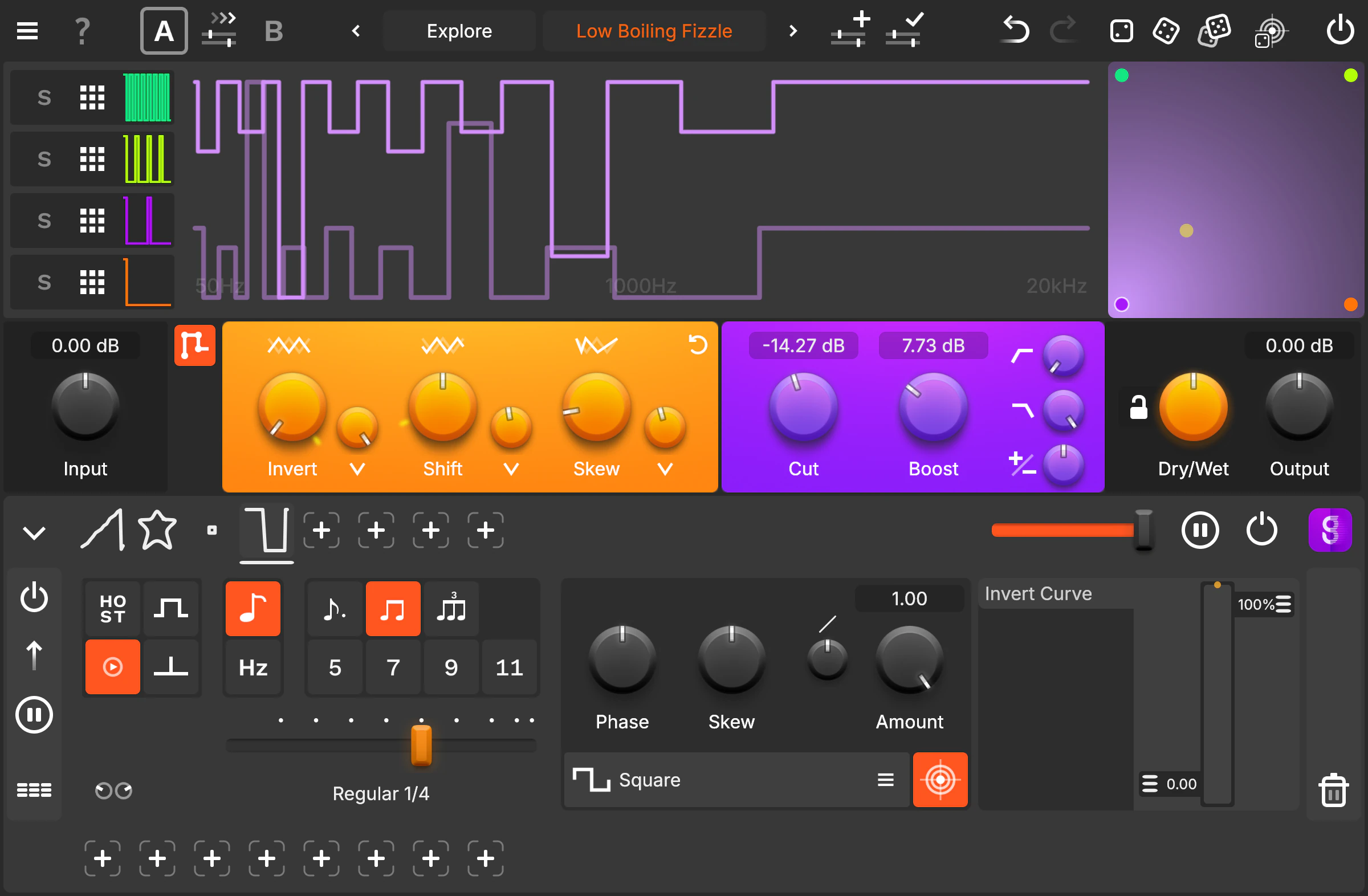
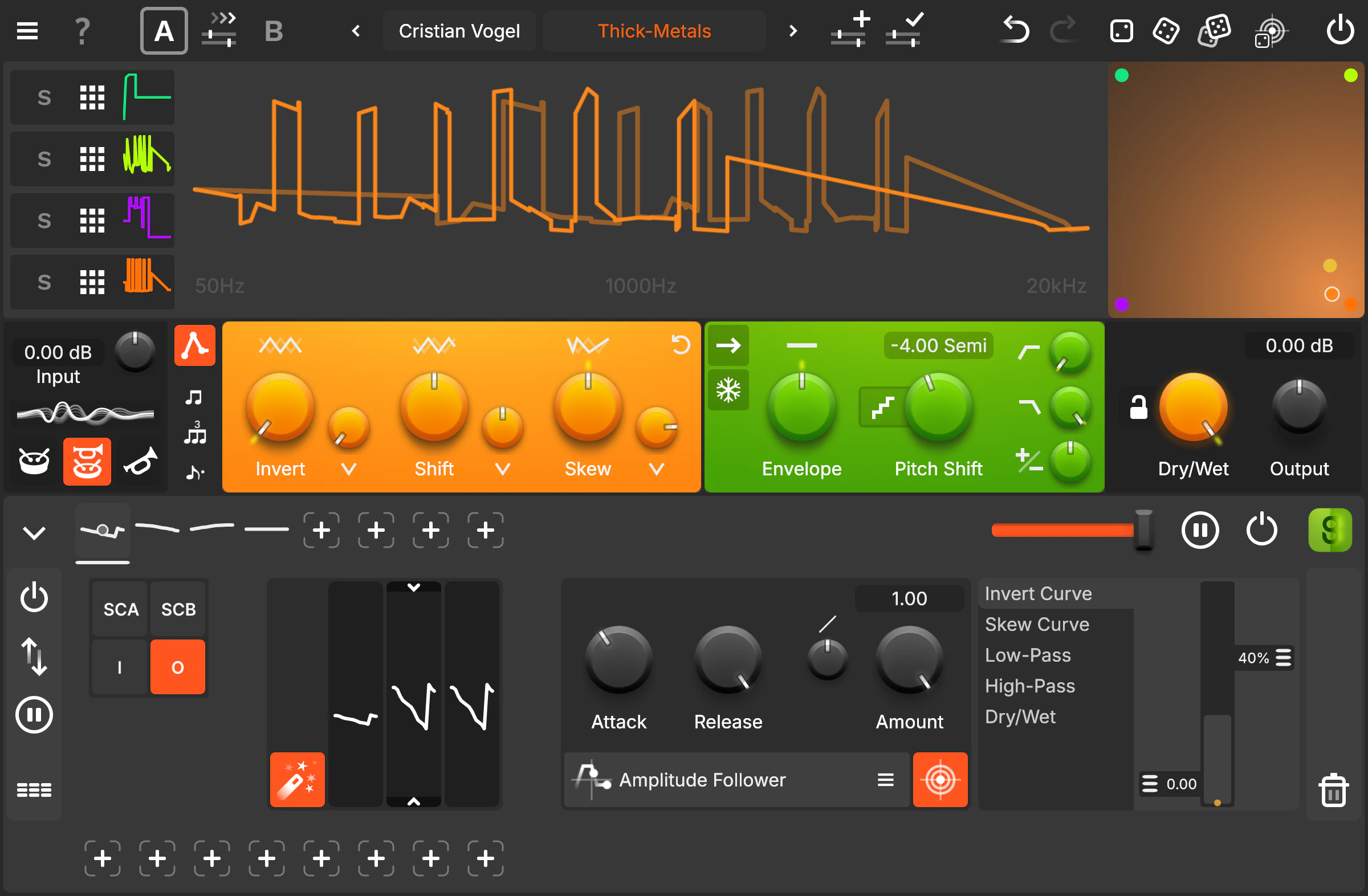
The ultimate solution for precise audio parameter control across frequencies. Imagine it as an EQ, except instead of adjusting volume for each frequency, the curve wields its power over another parameter such as delay time or pitch shift - pure Magic!
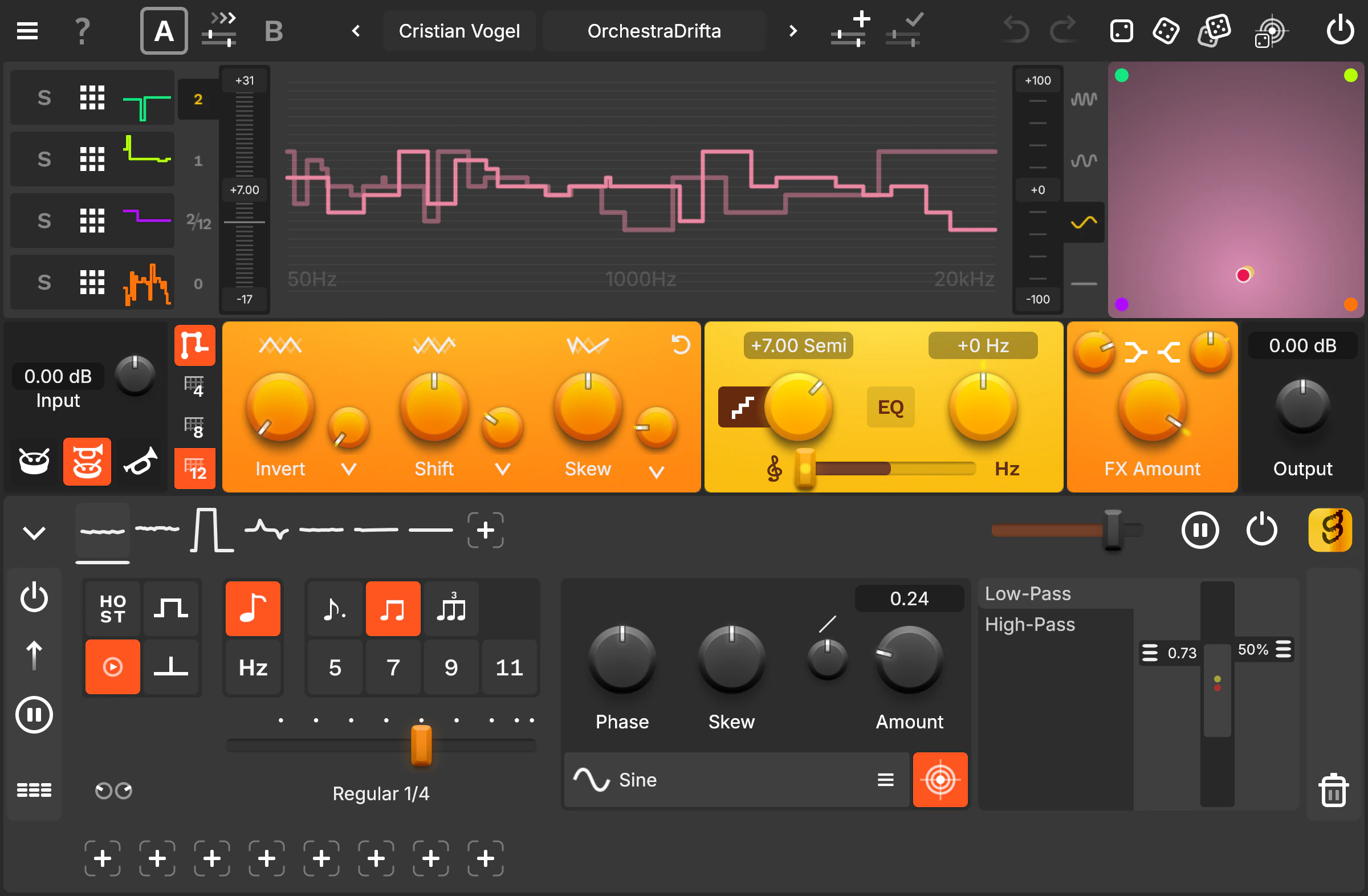
Designed with user-friendliness in mind, the Curve Editor makes it easy for both beginners and professionals to navigate. Copy, invert, or randomise curves instantly. Work with up to 4 input curves and morph them in real time via the dynamic XY Pad.
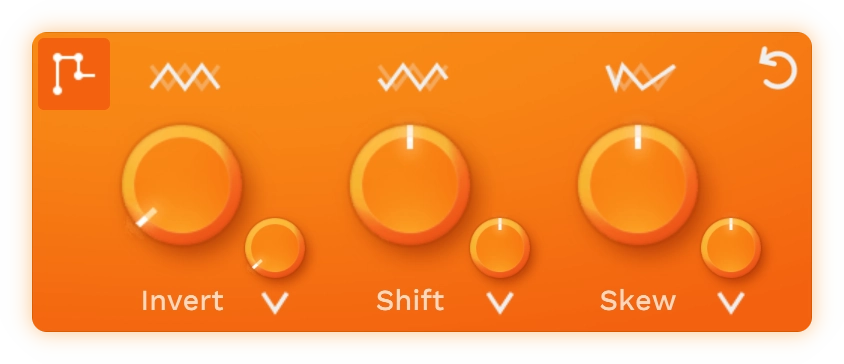
But that’s not all. Our CurveModifier adds advanced stereo control, letting you invert, shift, and skew curves in stereo for deeper spatial shaping. Sync curves to BPM with a single click, and modulate any parameter using the built-in modulation system.







Join Our newsletter
We only inform you about updates and releases.
No unnecessary information, just the good stuff.